MangaBaka Metadata Plugin
The MangaBaka metadata plugin fetches manga, manhwa, and manhua metadata from MangaBaka, which aggregates data from multiple sources (AniList, MyAnimeList, MangaDex, and others) into a single normalized record. This is the recommended series-level metadata provider for manga libraries.
Features
- Search for manga, manhwa, or manhua by title.
- Fetch comprehensive series metadata: titles in multiple languages (English, Japanese, Korean, Chinese), synopsis, publication status, genres, tags, authors, artists, cover images, ratings.
- Cross-reference IDs to AniList, MyAnimeList, and MangaDex (also populates the MangaUpdates external ID, which is what the MangaUpdates Releases plugin uses to look up release feeds).
- Handles 429 rate-limit responses with
Retry-Afterso the host can back off cleanly.
Prerequisites
You need a MangaBaka API key:
- Create an account at mangabaka.org.
- Go to Settings > API.
- Generate an API key.
Installation
The plugin ships in the official plugin store. From Settings → Plugins, find MangaBaka Metadata in the carousel and click Add. The pre-filled form has the recommended command and arguments; fill in your API key in the Credentials tab and save.
If you prefer to add it manually:
- Log in as an administrator and navigate to Settings → Plugins.
- Click Add Plugin and fill in the form:
- Name:
metadata-mangabaka - Display Name:
MangaBaka Metadata - Command:
npx - Arguments:
-y @ashdev/[email protected]
- Name:
- In the Credentials tab:
- Credential Delivery:
Initialize Message(orBoth) - Credentials:
{"api_key": "your-mangabaka-api-key"}
- Credential Delivery:
- Save, click Test Connection to verify, then toggle Enabled.
:::caution Credential delivery
The plugin reads its API key from the JSON-RPC initialize payload, not from environment variables. Credential Delivery must be set to Initialize Message or Both. The env (environment variables only) option will not work.
:::
npx options
| Configuration | Arguments | When to use |
|---|---|---|
| Latest version | -y @ashdev/codex-plugin-metadata-mangabaka | Auto-update on every spawn |
| Pinned version | -y @ashdev/[email protected] | Recommended for production |
| Fast startup | -y --prefer-offline @ashdev/[email protected] | Skips the npm version check when the package is already cached |
For Docker deployments, pre-warm the npx cache during the image build:
RUN npx -y @ashdev/[email protected] --version || true
Plugin permissions
By default the plugin requests every series-level metadata write permission. Trim the list in Settings → Plugins → MangaBaka Metadata → Configuration → Permissions if you want to limit which fields it can change.
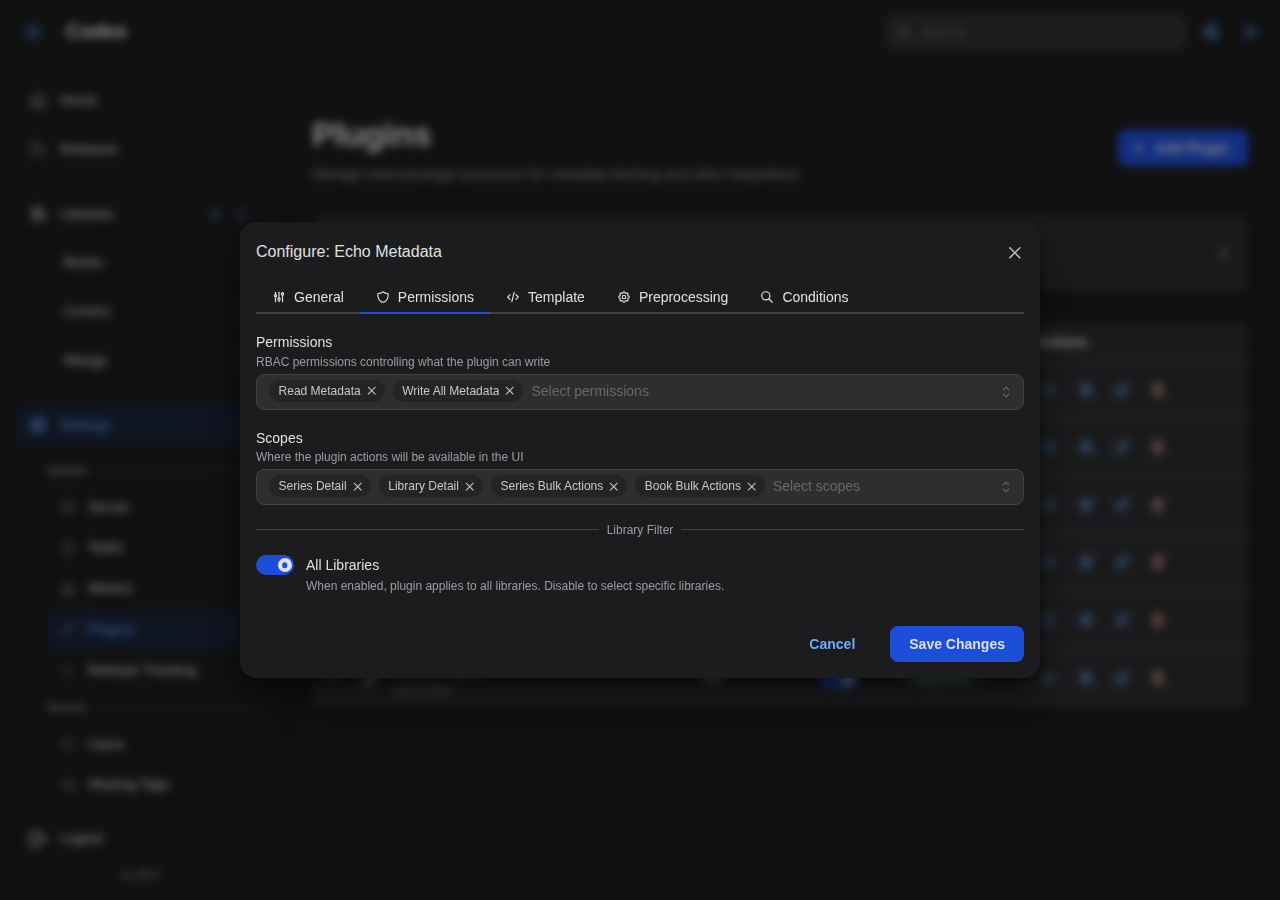
Configuration
Configure the plugin in Settings → Plugins → MangaBaka Metadata → Configuration.
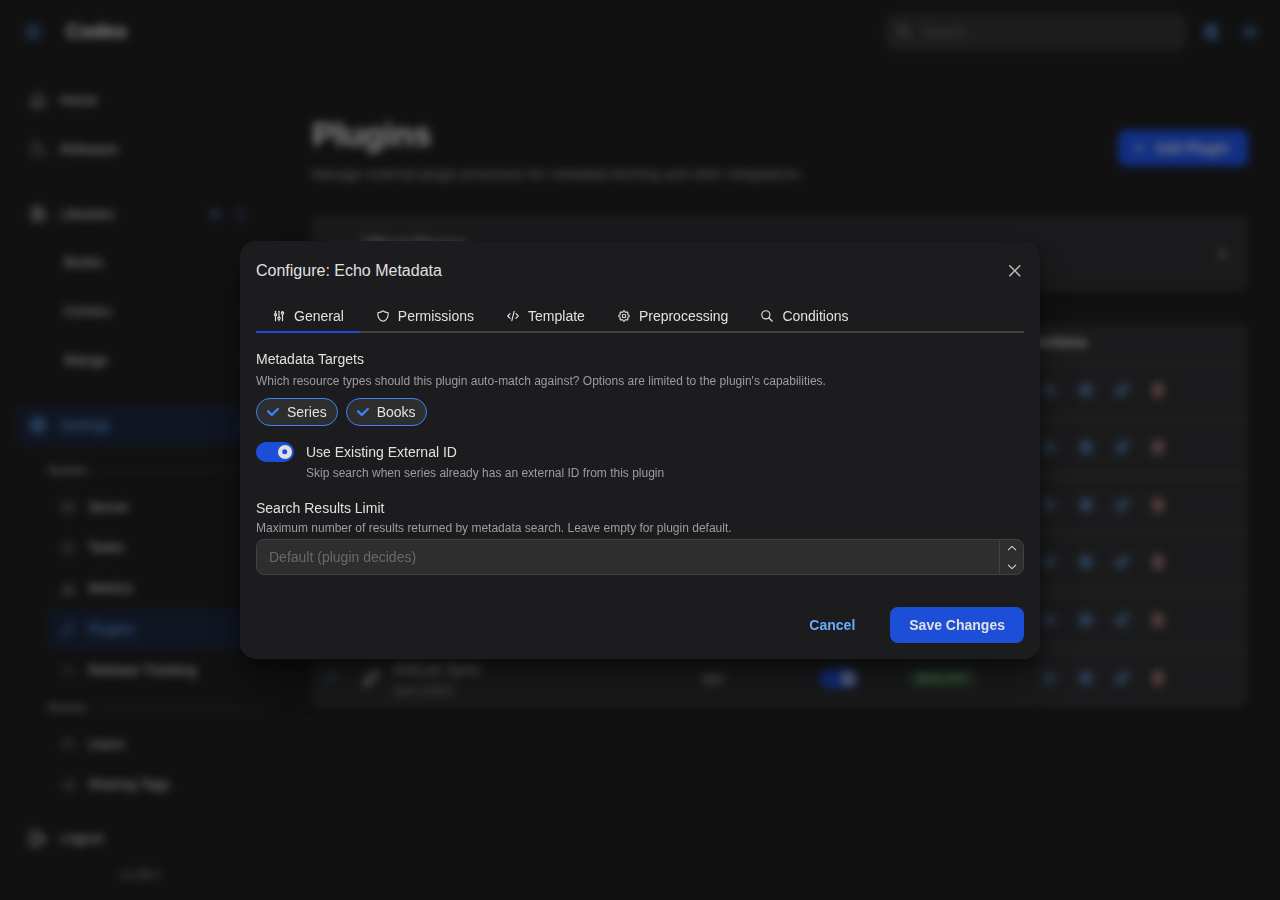
| Option | Type | Default | Description |
|---|---|---|---|
timeout | number | 60 | HTTP request timeout in seconds for each MangaBaka API call. |
sort_by | string | relevance_desc | Sort order for search results. Valid values: relevance_desc, popularity_asc (recommended; surfaces well-known series first), popularity_desc, title_asc, title_desc, created_at_desc, created_at_asc. |
base_url | string | https://api.mangabaka.org | Override the API base URL (rarely needed). |
Search sort order
relevance_desc is MangaBaka's default and weights against your query string. For libraries dominated by mainstream titles, switching to popularity_asc produces better matches because the popular candidate usually wins ties; for obscure or self-published series, relevance_desc is safer.
How it works
Search and match
When you click Fetch Metadata → MangaBaka Metadata on a series, the plugin issues a search against /v1/series with the series title and the configured sort_by. Results come back ranked by MangaBaka, and the plugin re-scores each one locally using a title-similarity heuristic before presenting the candidate list to the UI.
For auto-match (used by scheduled library jobs and the library-level Auto-match action), the plugin runs the same search and accepts the top result only when the local similarity score is high enough; otherwise it returns null so the host can fall through to the next provider.
Metadata mapping
| MangaBaka field | Codex field | Notes |
|---|---|---|
title | Title | Canonical title |
alternate_titles | Alternate titles | Includes Japanese / Korean / Chinese / English variants when present |
description | Summary | |
status | Status | ongoing, completed, hiatus, cancelled |
genres | Genres | |
tags | Tags | Tagged with category and rank where MangaBaka provides them |
authors / artists | Authors | Mapped with author / artist roles |
cover_image | Cover Image | URLs in multiple sizes |
score | Community rating | |
external_ids.{anilist,mal,mangadex,mangaupdates} | External IDs | Populated alongside the MangaBaka ID |
External IDs
MangaBaka stores cross-source identifiers. After applying metadata, the series gets a mangabaka external ID (the MangaBaka series ID) plus any of anilist, mal, mangadex, and mangaupdates that MangaBaka knows about. Other plugins that key on those sources benefit immediately:
- The AniList Sync plugin can sync the series without manually pasting an AniList ID.
- The MangaUpdates Releases plugin starts polling the series on its next run.
- The AniList Recommendations plugin matches the series against your seed entries without a fallback title search.
This is why MangaBaka is the recommended first-pass provider for manga libraries: it warms up several other plugins as a side effect.
Usage
From a series detail page
- Open a series in your library.
- Click Fetch Metadata in the actions menu, then MangaBaka Metadata.
- Enter or confirm the search title.
- Pick the best match from the results list.
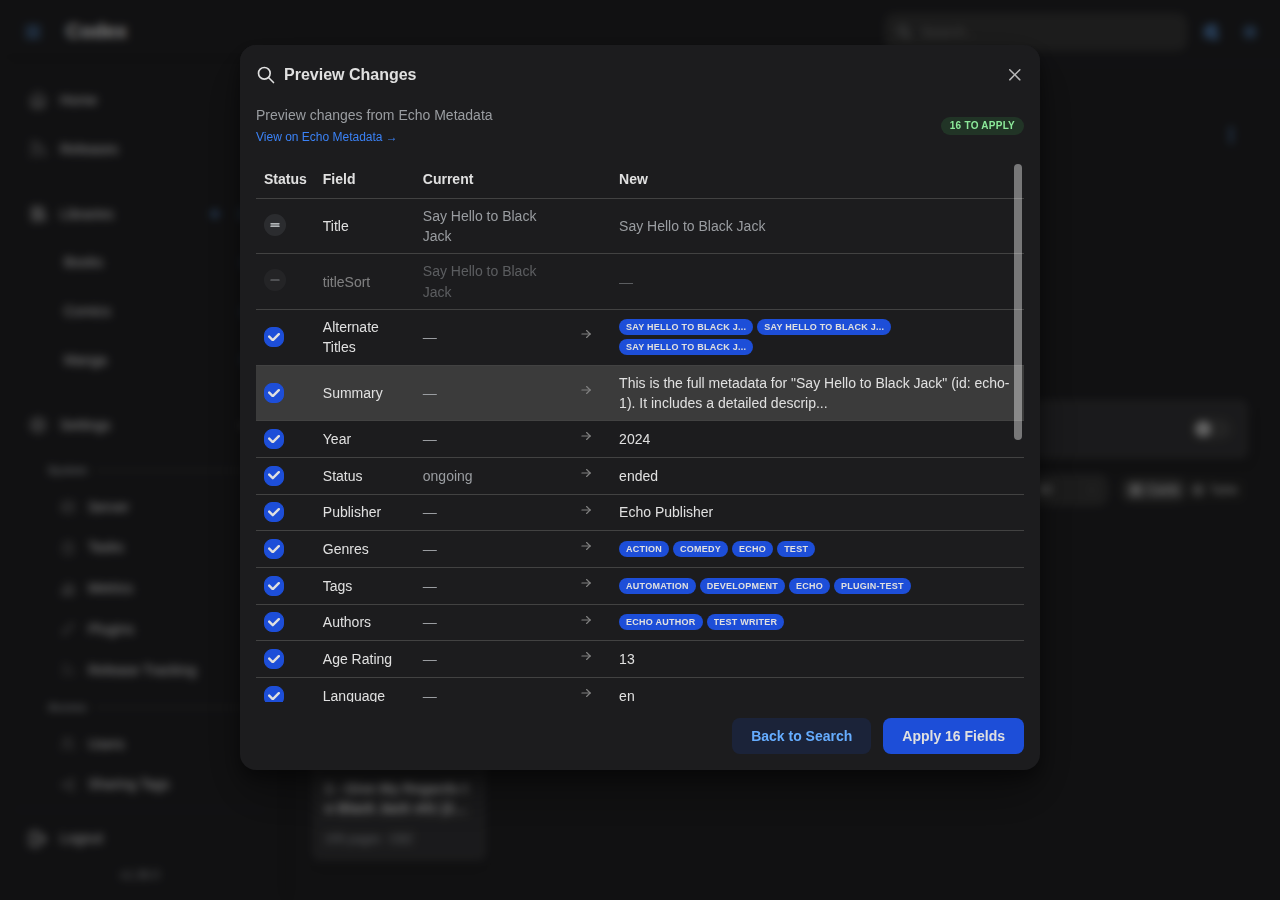
- Review the diff (Will Apply / Locked / Unchanged).
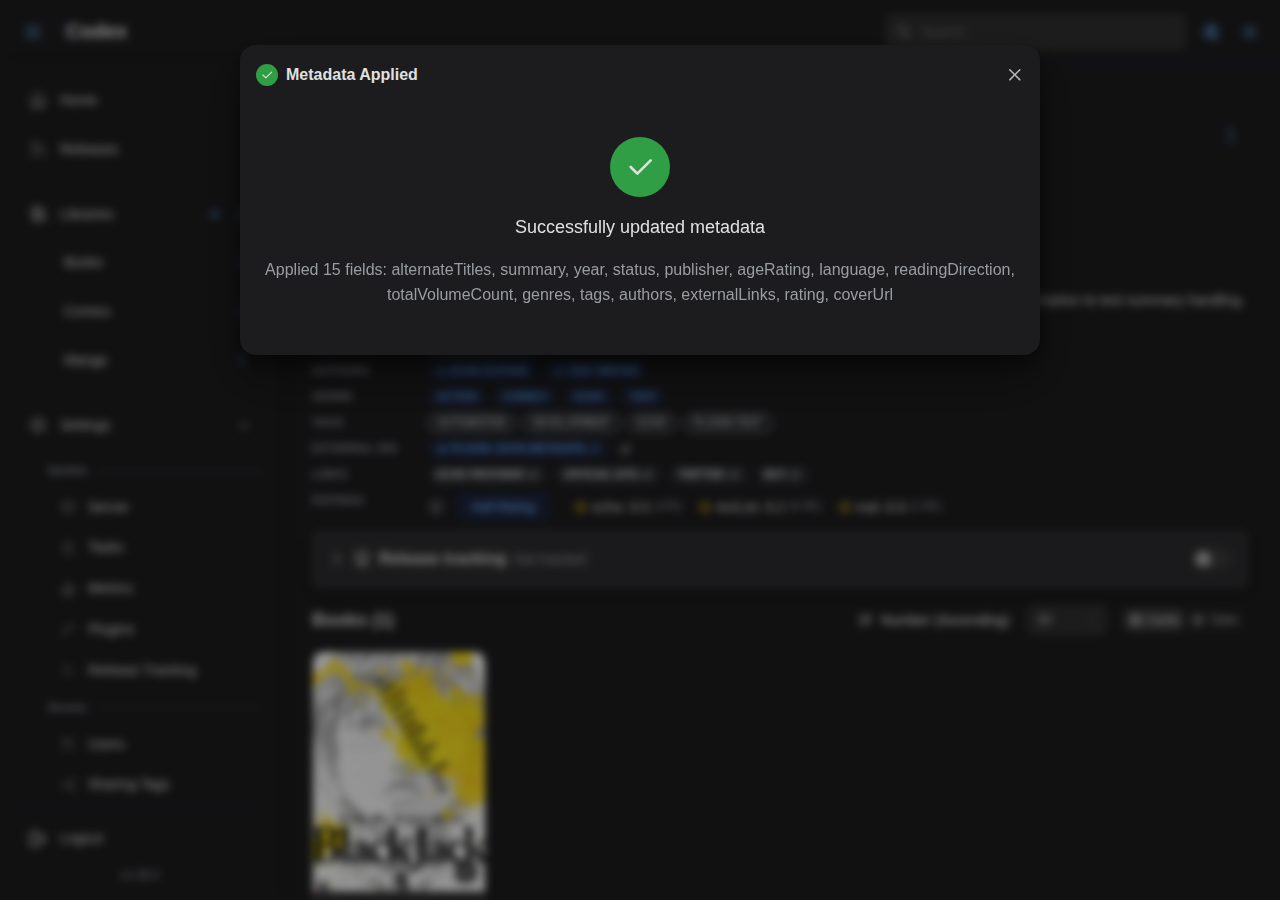
- Click Apply.
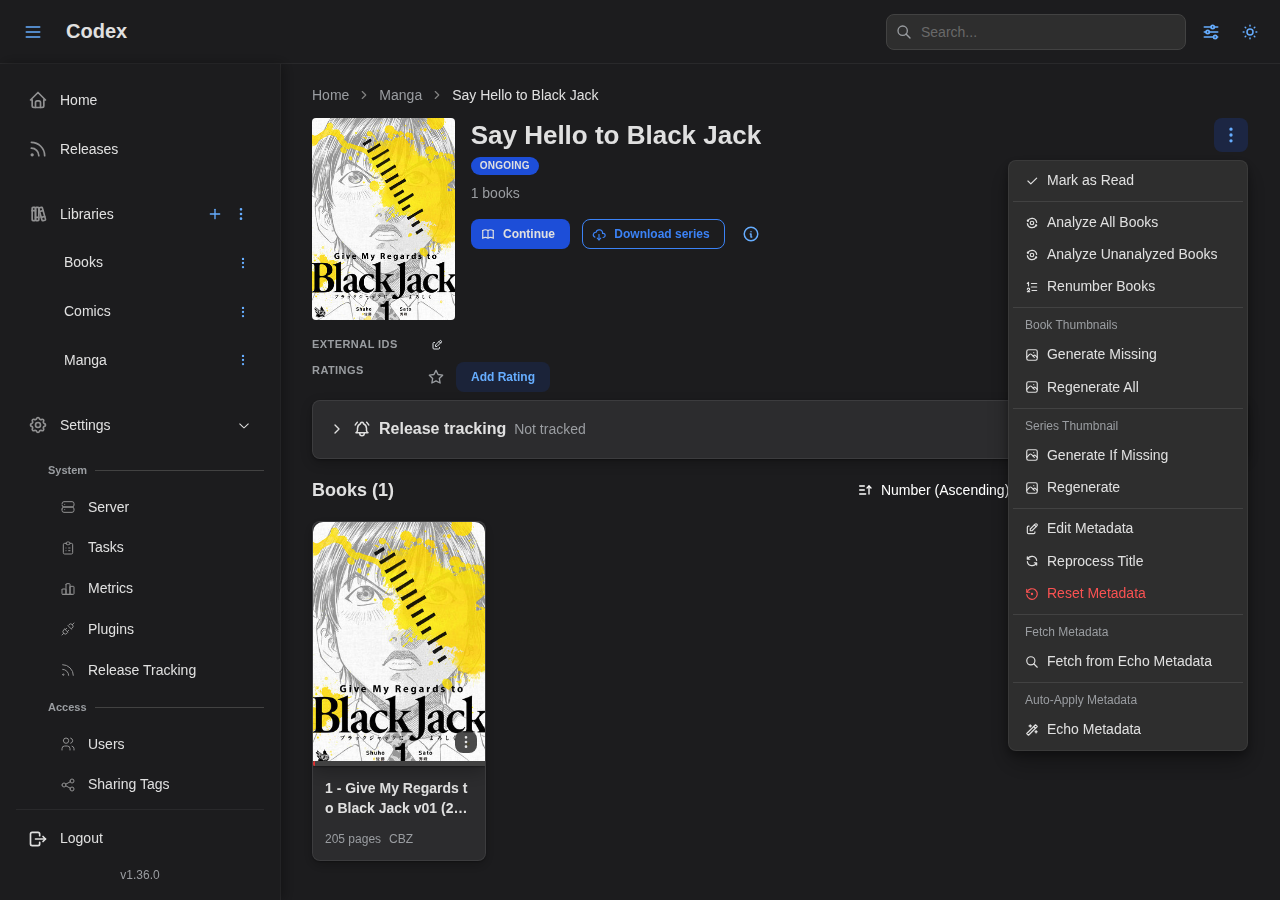
The plugin's actions surface from the series detail dropdown:
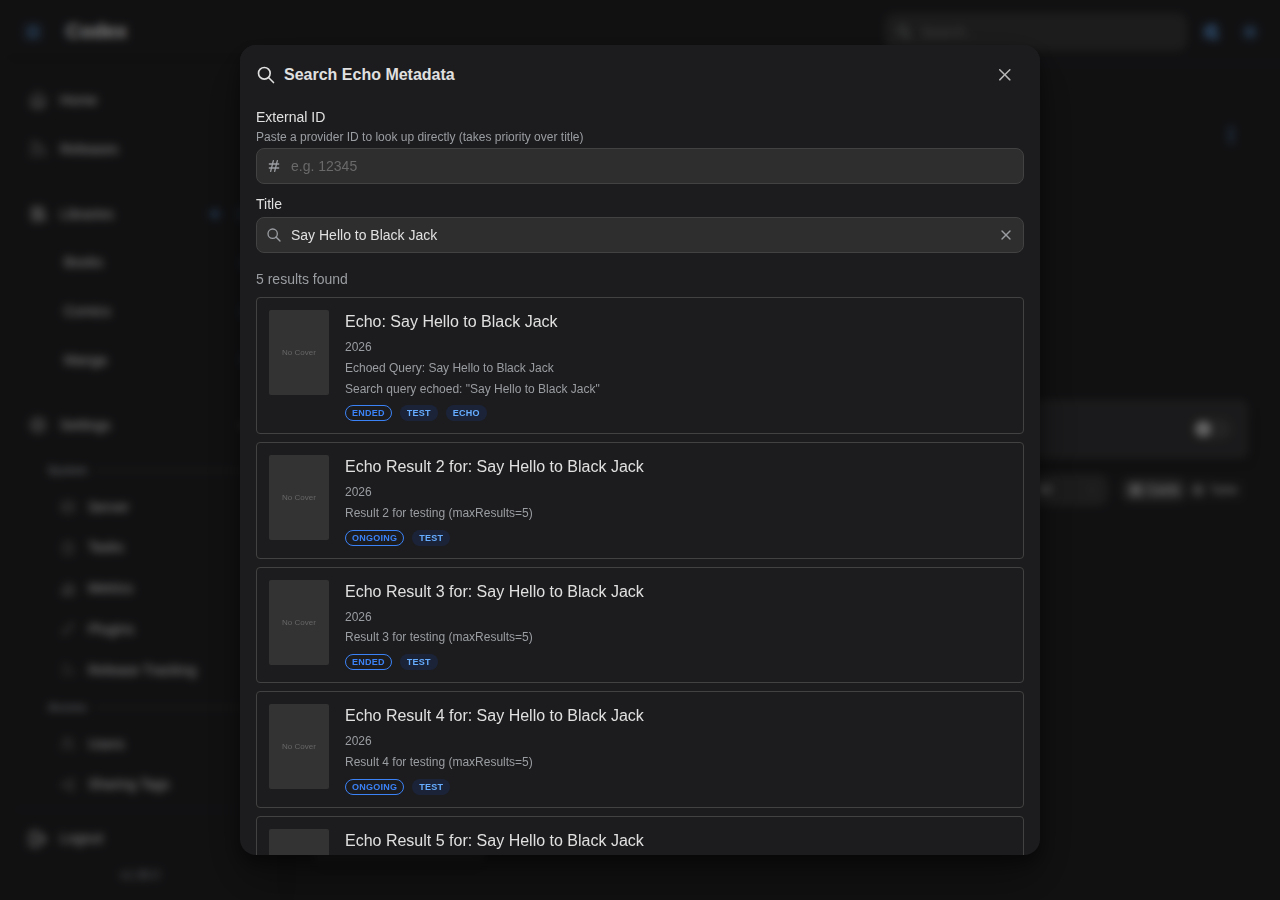
Search results show ranked candidates with similarity scoring:
After picking one, the metadata diff preview lists every field that will change:
From a library auto-match
- Open a library page.
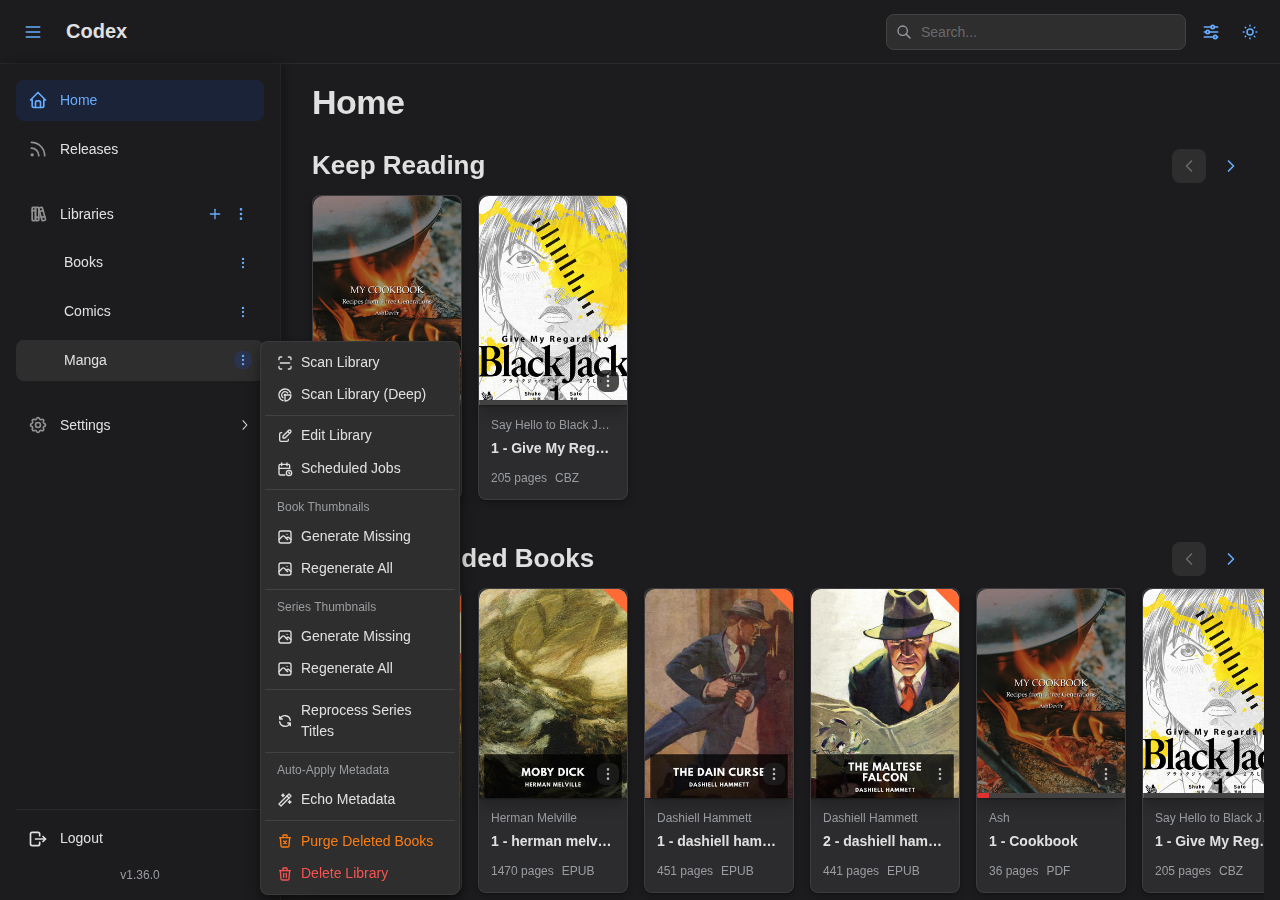
- Click the plugin dropdown in the library header and pick Auto-match → MangaBaka Metadata.
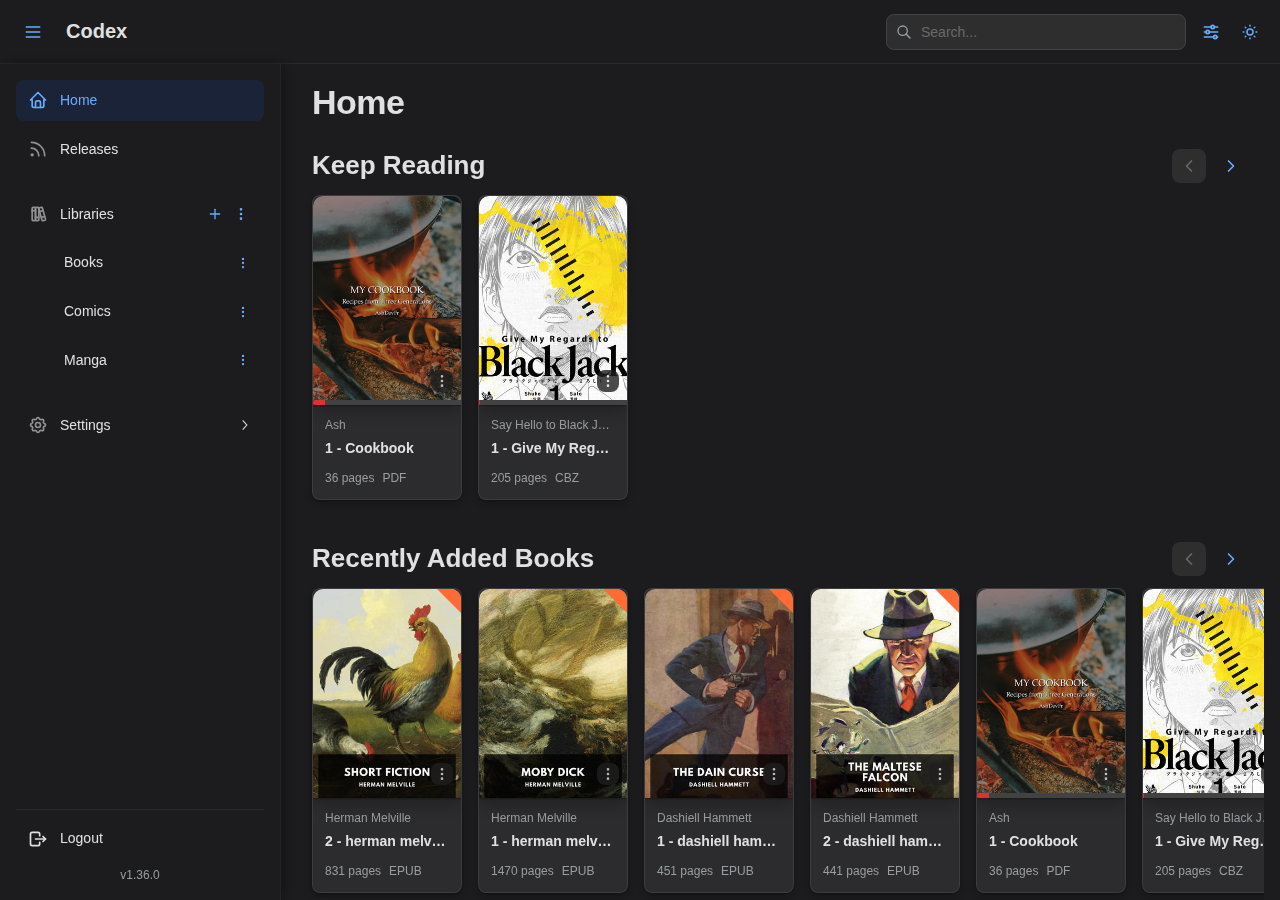
- The plugin runs against every untracked series in the library and applies high-confidence matches automatically. Results show in the library auto-match panel afterwards.
Via a scheduled library job
Configure a library job with:
- Provider:
metadata-mangabaka - Scope:
Series only - Field groups: pick whichever buckets you want refreshed periodically (typically
status,counts,ratings,tags) - Existing source IDs only: on (so the job only refreshes series that have already been matched)
Pair this with Skip recently synced within (s) to keep API traffic low.
Rate limiting
MangaBaka's free tier is rate-limited. The plugin propagates 429 responses up to Codex with the Retry-After value (defaults to 60s). The host scheduler backs off accordingly and retries on the next available slot. If you frequently see 429s in the plugin's failure log, lower the concurrency on your library jobs (maxConcurrency in the job config) or stretch the cron cadence.
Troubleshooting
"api_key credential is required"
The plugin received no credentials. Verify the Credentials tab has api_key set, the credential-delivery method is init_message or both, and click Test Connection to revalidate.
"Plugin not initialized"
The plugin process never received a successful initialize call. Disable and re-enable the plugin to force a restart, then check the failures panel in Settings → Plugins → MangaBaka Metadata for the underlying error.
Search returns no matches
- Try the title in romaji rather than the English-localized form (e.g.
Kingdomrather than the localized variant). - Switch
sort_bytopopularity_ascfor mainstream series. - Use the MangaBaka search URI the plugin advertises (link icon in the search modal) to verify the title exists upstream.
Wrong match auto-applied
Auto-match only applies high-confidence matches. If a wrong match landed, run Reset metadata on the series (see Managing Series) and use the per-series Fetch Metadata flow to pick the right candidate manually.
Next steps
- MangaBaka Recommendations: recommend new series from your library. It seeds from the MangaBaka IDs this plugin writes, so run this one first.
- AniList Sync: keep reading progress in sync once the AniList ID has been populated.
- MangaUpdates Releases: announce new chapters once the MangaUpdates ID has been populated.
- Library Jobs: schedule periodic refreshes against MangaBaka.